Cinema Studio
Write a scene and get a directed film. Review the storyboard first, adjust each shot's size and movement, then make the film.
Tool guide
What it is
shuut Cinema Studio turns a scene you write into a storyboard of shots first, then makes a multi-shot film that follows it.
- What you add — Write who does what, and where, in the scene box (up to 1000 characters). You can also add photos of people and places, reference videos and reference audio.
- What you choose — Choose one of 11 video engines and the ratio, length and resolution, plus direction such as genre, era, pacing, lighting, camera, lens and color palette.
- What you get — First you get a shot plan (usually 3 to 8 shots); after checking and editing it, you make it into one film.
How to use it
- Write who does what, and where, in the scene box and choose the direction.
- Press Make storyboard to get the shot plan.
- Edit the storyboard, then press Make film.
Example results
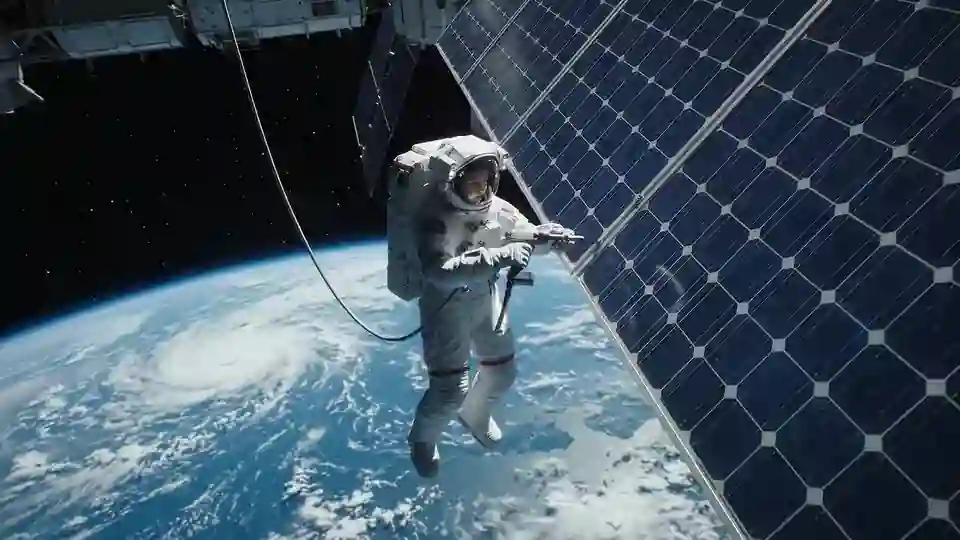
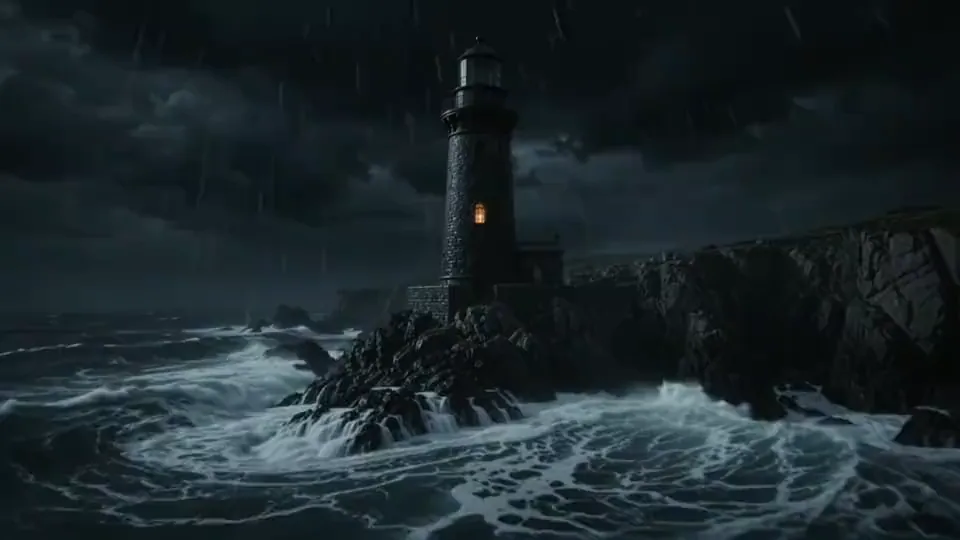
FAQ
Does the storyboard cost anything?
The storyboard is free; only making the film is paid. The price is shown before you make it.
Can I add a reference photo with a face?
Only photos of yourself or of people who gave you permission.
Price by model
| Model | Prices |
|---|---|
| Seedance 2.5 | From 12 credits per second (muted) |
| Seedance 2.5 Flash | From 8 credits per second (muted) |
| Kling 4.0 | From 18 credits per second |
| Kling 4.0 Flash | From 11 credits per second |
| Seedance 2.0 | From 8 credits per second (muted) |
| Seedance 2.0 Fast | From 6 credits per second (muted) |
| MiniMax H3 | From 10 credits per second |
| MiniMax H3 Highspeed | From 5 credits per second |
| Wan 3.0 | From 6 credits per second (muted) |
| Wan 3.0 Prime | From 8 credits per second (muted) |
| Omni 1.2 Flash | From 3 credits per second |
Updated November 24, 2026
Tools
- Image — Draw with words
- Video — Make videos from text or photos
- Edit video — Polish your videos
- Recreate — Rebuild a video as an editable project
- Audio — Make voices and music
- AI Avatar — The person in the photo talks
- Captions — Add captions to a video
- SWAP — Swap people, animals, clothes or items in a video to match a photo, or keep just the motion and redraw the rest
- Resize — Resize to 4 ratios at once
- Photo edit — Edit and expand photos
- Try-on shot — Dress a model
- Scene sequence — Draw 8 images of the same character at a time, up to 32 as you continue
- Cinema Studio — Turn several scenes into a film
- UGC Research — Browse creator short-form videos that took off
- Copy — Write posts and hashtags
- Translate — Translate into 6 languages
- Ad check — Check ad wording
- Product shot — Turn item photos into studio shots
Explore · SWAP · Effects · Pricing · Support · Connect with MCP