SWAP
Upload a video and SWAP finds the people and animals in it. Tap one and add a photo to swap just them, an outfit or an object, or keep only the motion.
Tool guide
What it is
shuut SWAP is an AI video swap tool that replaces people, animals, outfits or objects in a video with the ones in your photos, or keeps only the motion and redraws the people and place.
- What you add — Add an MP4 or MOV video of at least 4 seconds and the photos to swap in (up to 6). You can swap up to 4 things in one video.
- What you choose — Choose object swap (whole person, face and hair only, or outfit only) or motion transfer (styles such as live action, 35mm film, cel animation or webtoon), then the resolution (720p, 1080p) and the SWAP or SWAP Lite tier.
- What you get — You get one swapped video, which you can compare side by side with the original or download.
How to use it
- Add the source video.
- Tap a person or animal found in the video and attach the photo to swap in.
- Choose the mode, resolution and tier, check the credits shown, then make it.
Example results
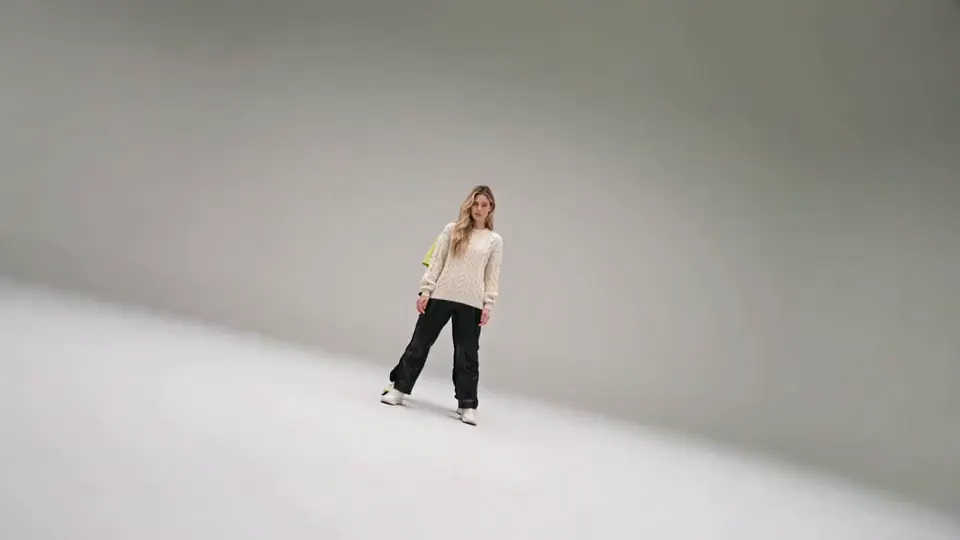
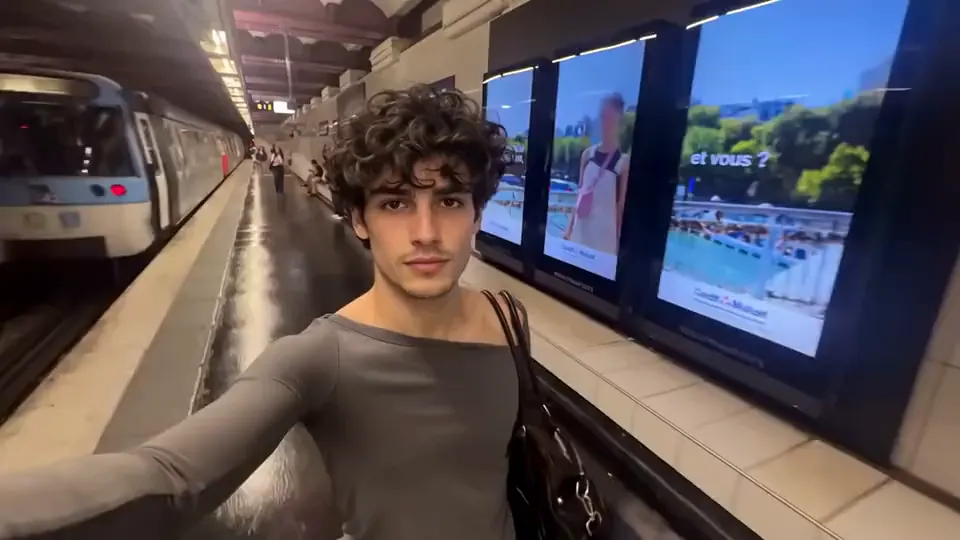
FAQ
Can I use a video longer than 30 seconds?
Yes. Only the first 30 seconds are used.
How is SWAP different from SWAP Lite?
When you swap a whole person, an outfit or an object, or make it in 1080p or with motion transfer, SWAP changes hands, props and expressions more naturally but takes longer and costs more, and SWAP Lite is faster and cheaper. When you swap only the face and hair at 720p, both tiers usually use the same engine at the same price.
Can the person in the photo be anyone?
Only photos of yourself or of people who gave you permission.
Learn more
Updated November 24, 2026
Tools
- Image — Draw with words
- Video — Make videos from text or photos
- Edit video — Polish your videos
- Recreate — Rebuild a video as an editable project
- Audio — Make voices and music
- AI Avatar — The person in the photo talks
- Captions — Add captions to a video
- SWAP — Swap people, animals, clothes or items in a video to match a photo, or keep just the motion and redraw the rest
- Resize — Resize to 4 ratios at once
- Photo edit — Edit and expand photos
- Try-on shot — Dress a model
- Scene sequence — Draw 8 images of the same character at a time, up to 32 as you continue
- Cinema Studio — Turn several scenes into a film
- UGC Research — Browse creator short-form videos that took off
- Copy — Write posts and hashtags
- Translate — Translate into 6 languages
- Ad check — Check ad wording
- Product shot — Turn item photos into studio shots
Explore · SWAP · Effects · Pricing · Support · Connect with MCP